
Buyer resource / Adobe Commerce
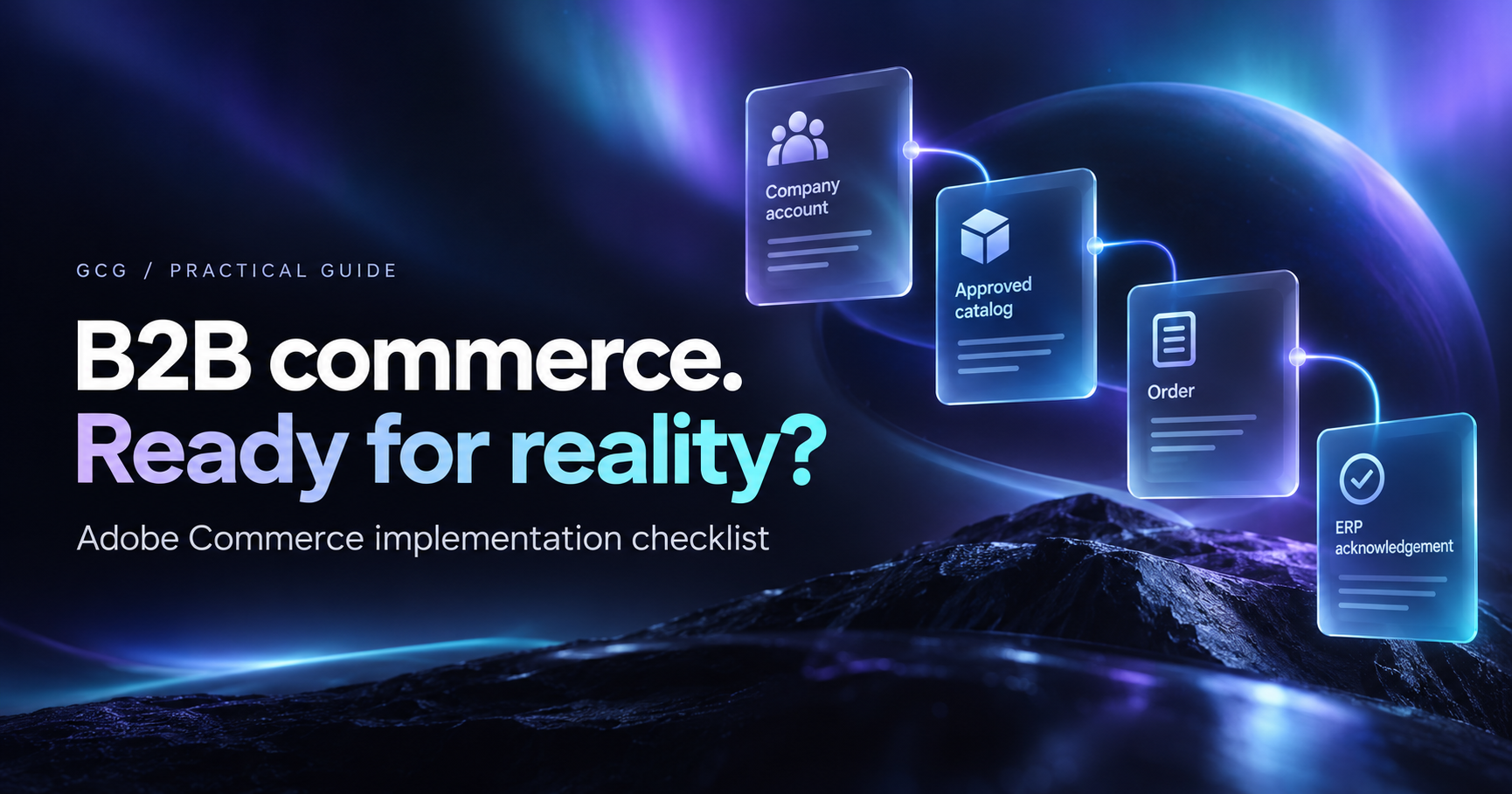
Adobe Commerce B2B implementation checklist.
A company account can work perfectly in a demo while the real buyer still cannot place a valid order. This checklist connects the account, catalog, purchasing rules, ERP handoff and operating team into one launch plan.
Follow the buying promise.
- 01Scope the offerEdition, buyer roles and first release
- 02Agree the buying rulesAccount, catalog, price and approval
- 03Connect the orderContract, acknowledgement and exception
- 04Accept the workflowBuyer and operations review evidence
- 05Prepare the handoffRelease, support and named owners
Start with one order that resembles your business.
Picture a distributor's returning buyer. They know the part number, order for a specific branch, expect an agreed price, and need the order to reach the system that ships it. The implementation has to preserve that context from sign-in to fulfillment.
I start the planning conversation with that transaction. We choose an account, a few representative products, a buyer role, and one exception. Then we walk it with ecommerce, IT, marketing and operations. It is much easier to find a missing decision when everyone is looking at the same order.
The first release can serve a limited account group or assortment. It still needs a complete path through the business, including a named person who can resolve an exception.
Record the Adobe offering before you promise a feature.
Adobe's B2B extension provides company structures, purchasing permissions, customer-specific catalogs, negotiable quotes, purchase-order approvals and requisition lists when installed and configured for the relevant offering. Record your licensed product, hosting model, Commerce release, B2B extension release and storefront approach before choosing the implementation.
Do not treat a feature name as the finished requirement. A company hierarchy needs to reflect who may buy for whom. A shared catalog needs a defined assortment and price owner. An approval rule needs a clear trigger, approver and customer-facing status.
The tracker below has suggested roles. Replace each with a named owner, a due date and a link to the evidence your team will review.
A small worked example makes the scope visible.
Use a fictional account, ACCT-1002, and product PART-A12. The buyer selects one authorized ship-to address. The account sees its agreed assortment and price. This sample product has a minimum of 12 units and an increment of 6.
Entering 10 should explain the conflict and offer 12 as a valid next quantity. Product entry, the cart and the server accepting the order should agree. A browser check alone is not enough to enforce the business rule.
Next, follow the order into the ERP. Distinguish a storefront receipt from downstream acceptance. If the request times out, the operating team needs a way to look up the outcome before sending it again.
That one example produces several concrete artifacts: an account map, an ordering-rule table, a source-to-target field map, acceptance checks and an exception procedure.
Use the checklist as a working conversation.
Mark a task complete when the acceptance evidence exists and the responsible owner has reviewed it. A meeting, an API response, or a screenshot can help, but each proves a different thing.
Work through the phases in order. Record open decisions alongside the task instead of hiding them in a separate email thread. If a requirement does not apply, record that decision and its owner.
Download the Excel tracker to add owners, status, due dates and evidence links. The browser checklist is useful for an initial review; the workbook gives the project team a shared record.
Interactive planning checklist
Check a task after you have reviewed its completion evidence. Download your progress to assign owners, dates and notes in Excel.
- AC-01 / Scope: Confirm the exact Commerce offering and B2B configuration.Complete when: Recorded license, hosting model, releases, enabled B2B modules and storefront approach.Suggested owner: IT / ecommerce
- AC-02 / Scope: Choose a representative buyer, account and complete order.Complete when: A scenario with authorized buyer, assortment, price, quantity, fulfillment destination and downstream acceptance.Suggested owner: Ecommerce / operations
- AC-03 / Scope: Name the owner of each commercial fact.Complete when: Source-of-truth map for company, product, price, availability, order and fulfillment data.Suggested owner: IT / business owners
- AC-04 / Scope: Set first-release boundaries and acceptance measures.Complete when: Included account groups and workflows, exclusions, dependencies and observable acceptance criteria.Suggested owner: Project owner
- AC-05 / Accounts and purchasing: Map company records, buyers and ship-to relationships.Complete when: Source-to-target account identifiers and representative permitted and denied access checks.Suggested owner: Sales operations / IT
- AC-06 / Accounts and purchasing: Agree and configure buyer roles and purchasing permissions.Complete when: A role matrix plus checks showing who may order, quote, approve and manage the account.Suggested owner: Ecommerce / company administrator
- AC-07 / Accounts and purchasing: Define customer-specific assortments and price ownership.Complete when: Shared-catalog assignments, price precedence, refresh rules and sample account price checks.Suggested owner: Sales / merchandising / IT
- AC-08 / Accounts and purchasing: Define quote, approval, credit and repeat-order behavior.Complete when: Applicable workflows with owners, trigger rules, statuses and acceptance scenarios.Suggested owner: Sales / finance / ecommerce
- AC-09 / Catalog and orderability: Prepare product types, attributes, documents and visibility.Complete when: Representative records reviewed in the actual buyer context, including a complex or restricted product.Suggested owner: Product data / marketing
- AC-10 / Catalog and orderability: Specify units, minimums, increments and purchasability rules.Complete when: Rules and valid/invalid examples verified at product entry, cart and server acceptance.Suggested owner: Ecommerce / operations
- AC-11 / Catalog and orderability: Define what displayed availability promises.Complete when: Warehouse or supply scope, refresh timing, oversell behavior and stale-data response.Suggested owner: Inventory operations / IT
- AC-12 / Catalog and orderability: Resolve shipping, tax and payment conditions by account.Complete when: Representative allowed methods, addresses, totals and decline or unavailable-method paths.Suggested owner: Finance / logistics / ecommerce
- AC-13 / Integration: Write typed source-to-target contracts and identifier mappings.Complete when: Field definitions, units, required values, stable references and rejected-data handling.Suggested owner: Integration / ERP team
- AC-14 / Integration: Distinguish order submission from downstream acceptance.Complete when: Traceable statuses and cross-system references for accepted, rejected and pending outcomes.Suggested owner: ERP team / operations
- AC-15 / Integration: Define reconciliation, duplicate prevention and replay.Complete when: Timeout and duplicate scenarios with lookup-before-replay behavior and a named recovery owner.Suggested owner: Integration / operations
- AC-16 / Integration: Plan initial load, change feeds and conflict ownership.Complete when: Dependency order, update policy, checkpoints and source-to-target reconciliation results.Suggested owner: Data owners / integration
- AC-17 / Experience and release: Review core buying tasks on mobile and with a keyboard.Complete when: Buyer can identify, price, validate and order the sample items with understandable states and controls.Suggested owner: UX / ecommerce / QA
- AC-18 / Experience and release: Validate content publishing, documents, search and URLs.Complete when: Published categories and product content, working media, target URLs, metadata and redirect checks.Suggested owner: Marketing / product data
- AC-19 / Experience and release: Review transactional messages and inquiry handoffs.Complete when: Correct recipient, account context, status wording, necessary data and delivery destination.Suggested owner: Ecommerce / operations
- AC-20 / Experience and release: Assemble a reproducible release and workflow test record.Complete when: Versioned artifact, configuration changes, migration steps and acceptance evidence tied to that release.Suggested owner: Engineering / QA
- AC-21 / Launch and operations: Reconcile launch data and review privileged access.Complete when: Account, catalog and price checks, minimal production access and protected service credentials.Suggested owner: IT / data owners
- AC-22 / Launch and operations: Run the agreed cutover and final change capture.Complete when: Freeze or delta plan, migration checkpoints, responsible people and launch hold points.Suggested owner: Release owner / data owners
- AC-23 / Launch and operations: Agree recovery triggers and treatment of new transactions.Complete when: Recoverable artifact and data/configuration plan, plus explicit handling of orders and payments created after cutover.Suggested owner: Release owner / operations
- AC-24 / Launch and operations: Hand over monitoring, exceptions and first-week review.Complete when: Named support owner, status visibility, replay permissions, escalation path and post-launch review date.Suggested owner: Operations / ecommerce / IT
Three gaps are easy to miss.
- Approving the storefront without the order handoff. Follow at least one representative purchase to the downstream reference and status that operations actually uses. A thank-you page covers only part of the workflow.
- Treating a timeout as a rejected order. A timed-out request can have an uncertain result. Agree on lookup, reconciliation and replay behavior before launch so a retry does not create another order.
- Letting configuration substitute for a business decision. Agree what inventory, credit, account access and pricing mean for this business. Then configure or customize the platform to reflect those meanings.
Turn the tracker into a defined first release.
Bring one completed scenario, the unresolved tasks and the connected systems into a scope discussion. Separate native B2B configuration, data preparation, frontend work, integration and operating procedures. Give dependencies an owner before treating the launch date as firm.
GCG helps manufacturers and distributors implement and improve Adobe Commerce around those practical boundaries.
Check the platform documentation.
Use these official references alongside the configuration and releases in your environment. The workflow and checklist above are GCG implementation guidance.
Put the next decision in context.
Bring the workflow that needs to work.
We can turn a concrete buying or integration problem into a defined implementation scope, with the decisions and acceptance evidence visible.
Discuss your commerce priorities